Clear Calls
Customers quickly spot their order number and status.
Order Status Display
Designed for busy cafes, takeaways, and retail counters, Q-Call gives customers a clear view of what is being prepared and what is ready now.
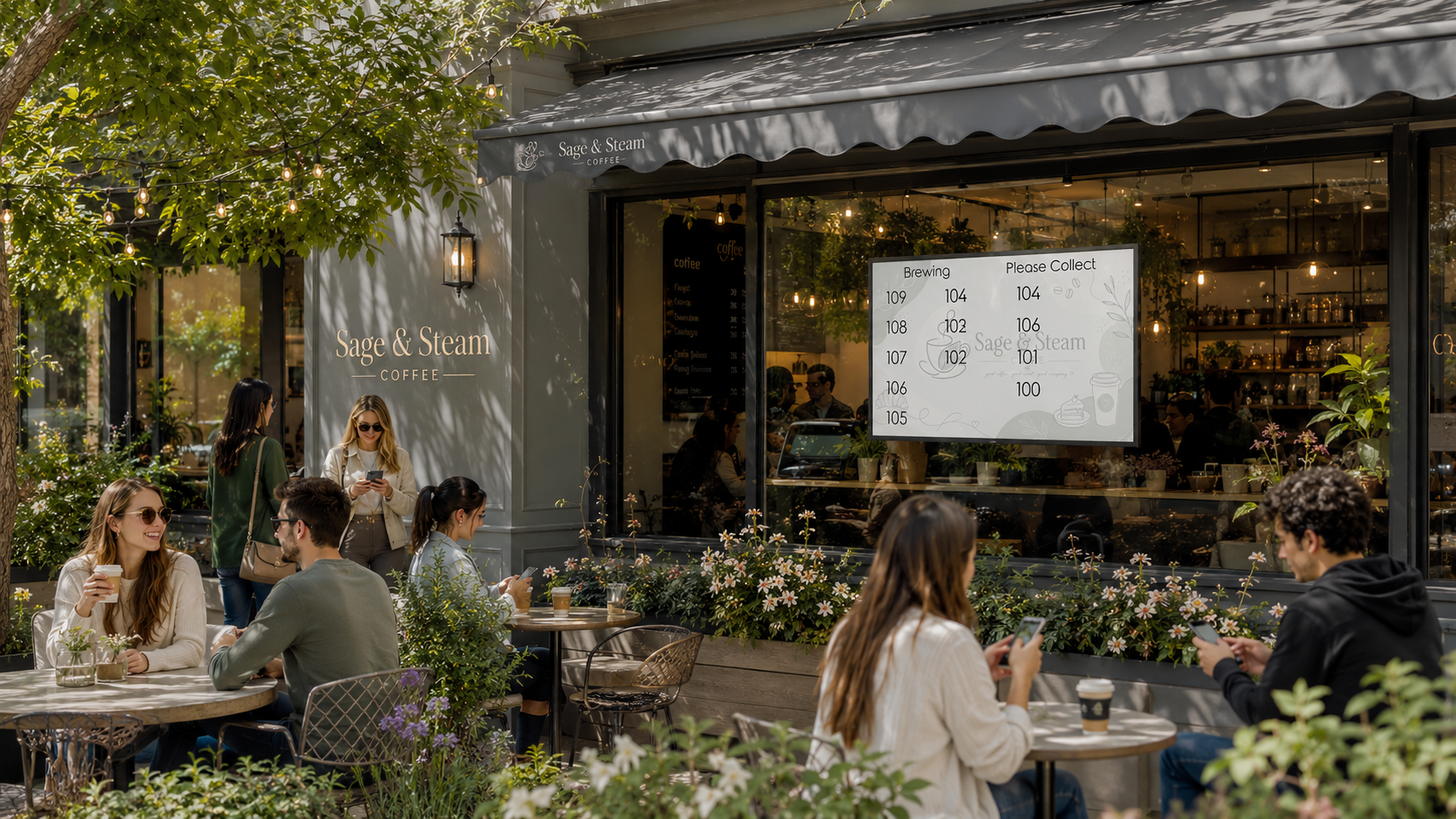
Customers quickly spot their order number and status.
Fewer repeated questions at collection points during peak times.
Fast call controls keep service smooth even when queues build.
Three Part Product
Q-Call is made up of a prominent customer display, a staff controller, and a management console.
The main public-facing screen. It clearly shows queue numbers and call status so customers can wait without hovering around the till.
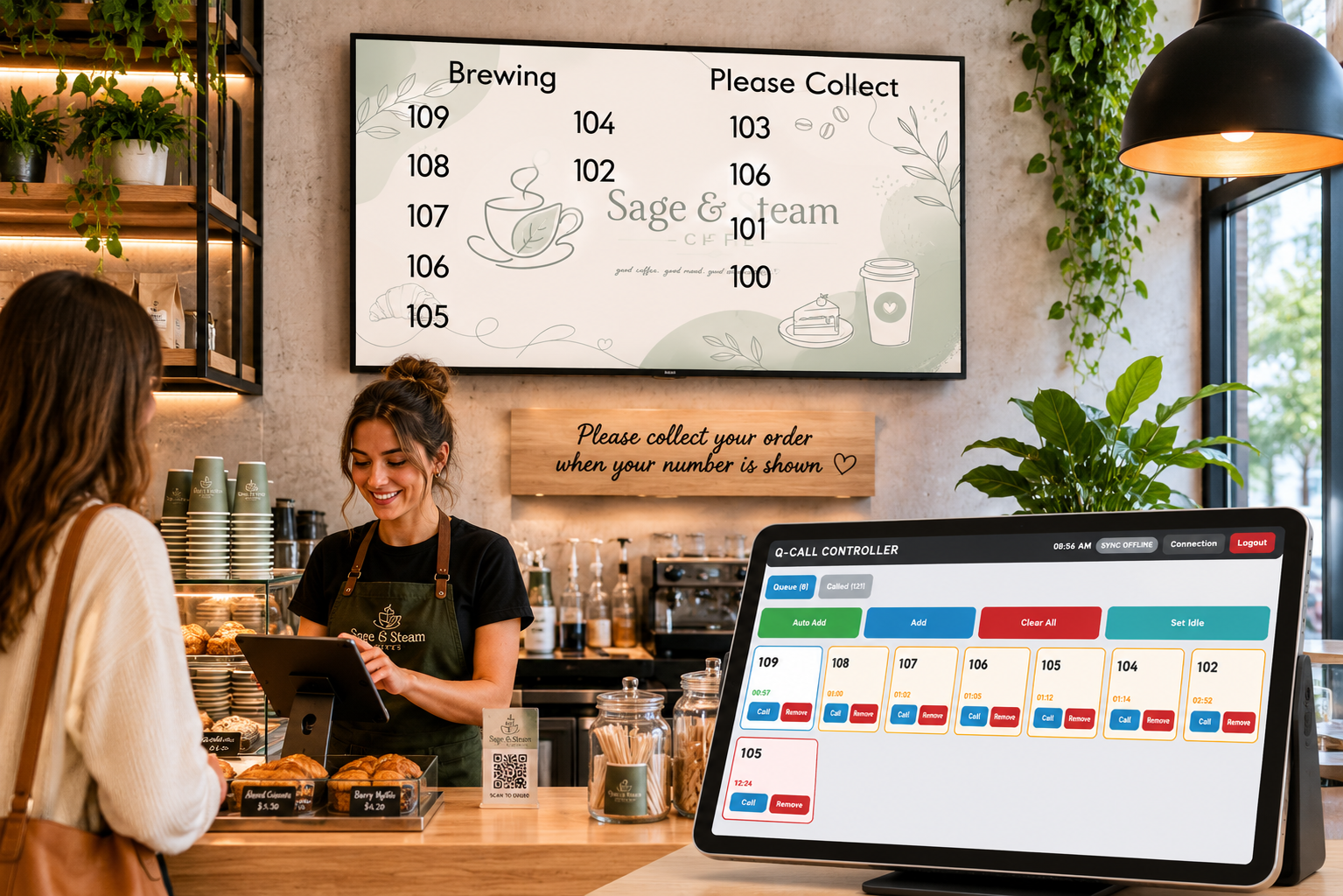
The staff control point for adding new queue items and calling the next order when it is ready.
The configuration and oversight layer. Manage display behaviour, tune call flow, and keep operations consistent across shifts.
Where Q-Call Fits
Q-Call is aimed at practical service environments: takeaway shops, cafes, bakeries, food courts, and retail pickup points. It supports fast teams that need a calm, visible queue process.
Great fit for: